Cockpit Operating Systems
Navigation
Send Us A Message
What causes slow boot times in automotive infotainment head units?
Author
Date Published
Reading Time
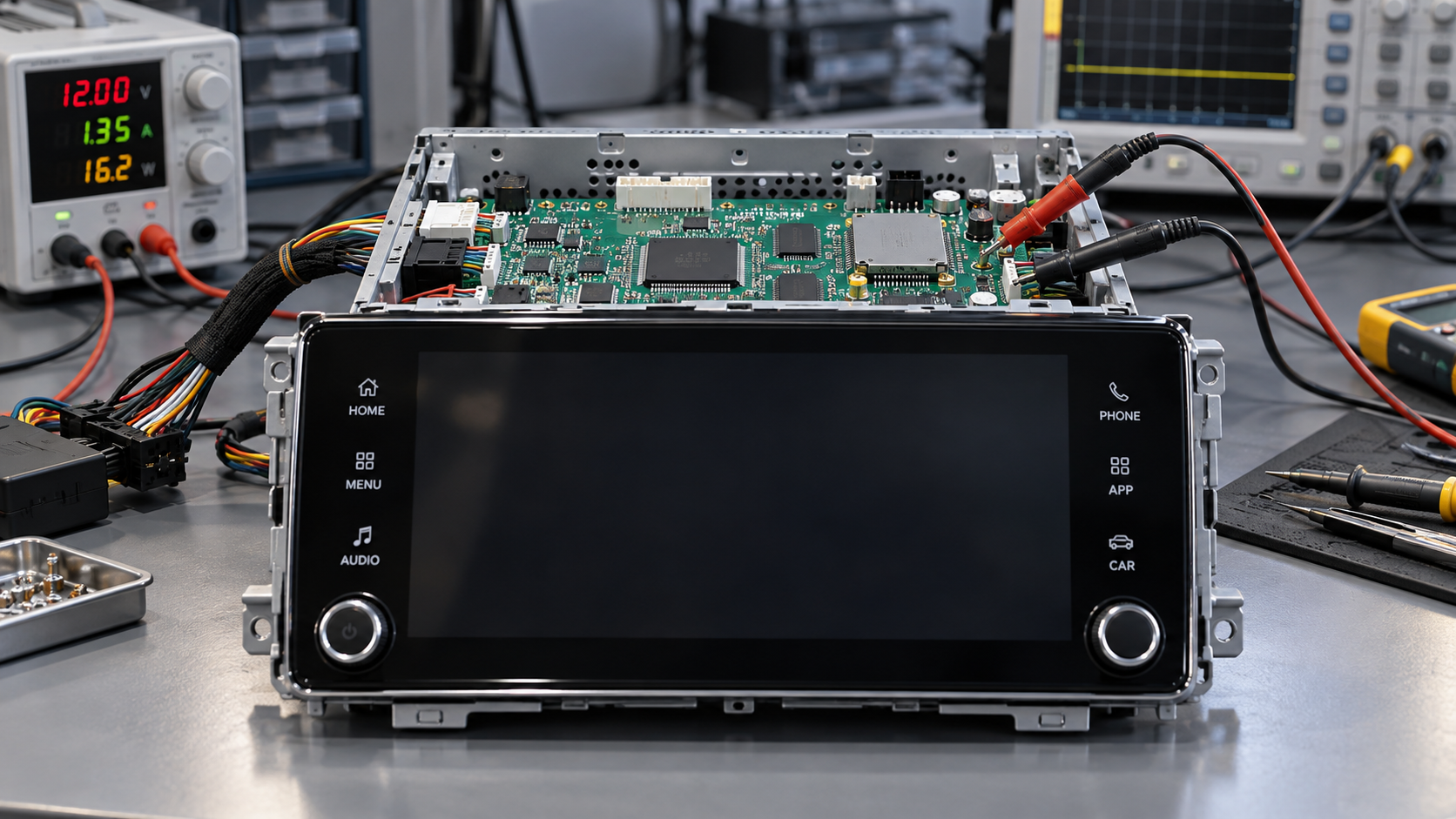
Slow boot times in Infotainment Head Units usually come from a chain of delays: power sequencing, boot-image loading, security verification, driver initialization, application startup, and waits for vehicle-network signals. An underpowered processor can contribute, but replacing it will not fix a storage bottleneck or a service waiting for an unavailable dependency.
The symptom may be a black display after vehicle entry, a home screen that ignores touch, or audio that becomes available well after the interface appears. These are different readiness failures. The first step is to separate cold boot from resume, define when each required function is genuinely usable, and trace the dependency path delaying that function.
Define the start and finish before comparing boot times
A boot-time figure is only meaningful when its trigger, power state, and completion condition are specified. Starting a stopwatch at the ignition command can hide initialization already performed after door unlock. Stopping it at the first rendered frame can hide an unresponsive application.
- Cold boot: The main computing system starts without a retained operating-system session. An always-on controller may still be active.
- Resume from sleep: A retained session returns to operation. Memory retention, peripheral states, and driver restore behavior determine the delay.
- Hibernation restore: Saved system state is read from nonvolatile storage rather than reconstructed through a full boot.
- Time to function: A defined capability becomes usable, such as audible playback, responsive touch, a navigation interface, or phone reconnection.
Set separate endpoints for display visibility, interface responsiveness, audio output, navigation readiness, and connectivity. Navigation application launch and position acquisition should not be treated as the same event. Likewise, an audio service reporting “ready” does not prove that the amplifier is awake and unmuted.
For each measurement, record the preceding power state and off duration. A unit that resumes quickly after a short stop may cold-boot after a longer parking period because battery-management policy disables retention.
Locate the delay along the startup path
The useful diagnostic model is a timeline, not a single total. Several activities overlap, so adding individual task durations can exaggerate their contribution. Focus on the critical path: the sequence of dependencies that must finish before the target function becomes available.
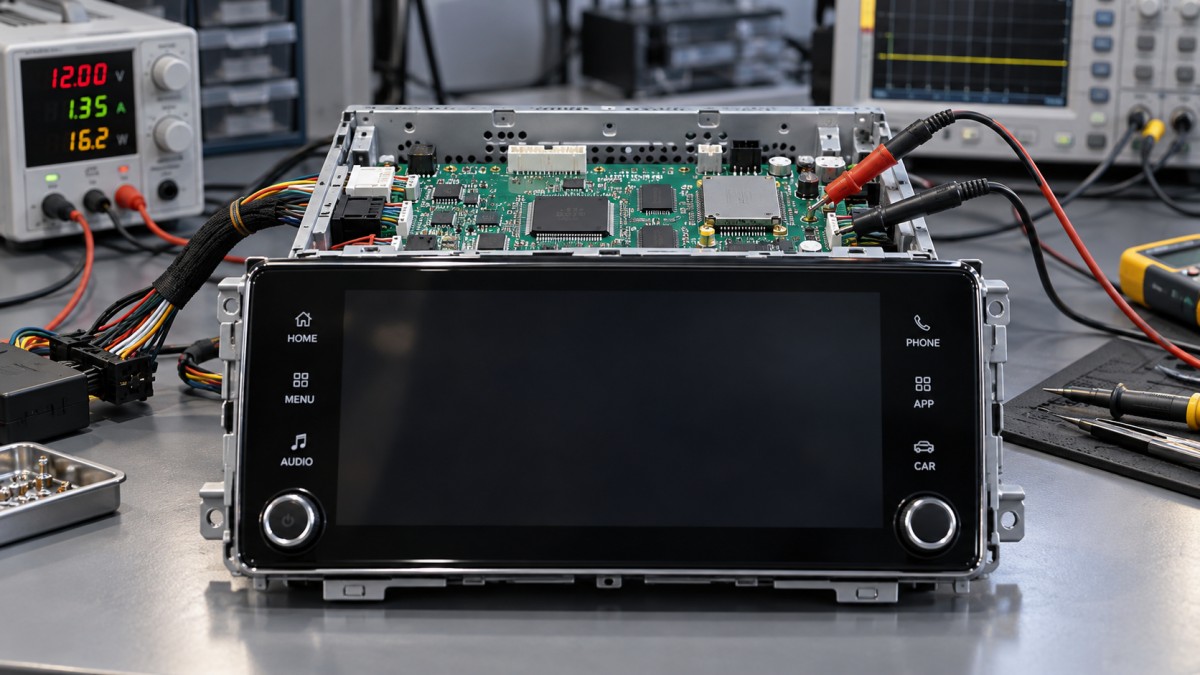
Storage delays can dominate an otherwise capable processor
Startup reads boot images, libraries, configuration files, graphics assets, and application databases. Advertised sequential throughput does not describe this workload adequately. Numerous small reads, metadata operations, or simultaneous requests from several services can make storage latency more important than peak bandwidth.
Flash behavior also depends on device condition. Limited free space, internal garbage collection, background writes, and temperature can alter response times. An unclean shutdown may trigger filesystem or database recovery. These mechanisms should be verified in traces rather than inferred solely from a slower boot.
Compare storage activity with processor utilization. Low CPU utilization alongside blocked tasks and long I/O completion times points toward storage or synchronization, not insufficient compute capacity. High CPU utilization during decompression, verification, or parsing suggests a different constraint.
Possible changes include reducing startup file accesses, consolidating frequently used assets, deferring nonessential database work, and choosing storage against measured boot workloads. Compression requires measurement: a smaller image reduces reads but adds decompression work. The faster option depends on both storage performance and available processing capacity.
Software often waits longer than it works
Sequential dependencies and blocking initialization
A head unit can have multiple processor cores yet initialize important services in a serial chain. The launcher may wait for a vehicle-data service, which waits for a network interface, which waits for a remote controller. One unnecessary dependency can hold back everything downstream.
Review whether each dependency is needed for initial operation. A media interface may be usable before a phone connection is established; local settings may be available before online services respond. Where requirements permit, start with a defined unavailable state and update the interface when data arrives instead of blocking the entire application.
Parallel startup is not automatically faster. Launching every service together can saturate storage, create memory pressure, and delay the foreground application. Prioritize the resources needed for the first required function, then admit background work as capacity becomes available.
Drivers, retries, and application work
A missing or slow peripheral may cause driver-probe retries or timeout waits. An optional module can therefore extend boot even when no user-facing function needs it immediately. Look for repeated discovery attempts, fixed waits, and synchronous firmware loading in the kernel and service logs.
Applications add their own delays through database migration, media indexing, account restoration, asset decoding, and graphics preparation. A screen rendered before this work finishes may look ready while its main thread remains blocked. Trace input handling and first successful actions, not just application launch notifications.
Security verification is a workload, not a reason to remove protection
Secure boot, integrity verification, encrypted-storage access, and hardware-backed key operations can contribute to startup time. Their impact depends on image size, implementation, acceleration support, and when protected resources are accessed.
Measure verification separately from image reading where instrumentation permits. A combined “load image” interval may conceal whether storage transfer or cryptographic processing dominates. Hardware acceleration also needs validation in the actual software path; its presence in a component specification does not prove that boot firmware uses it.
Optimization should preserve the required trust chain. Reducing unnecessary image content, avoiding redundant checks where the security design permits, and improving approved acceleration paths are different from disabling verification. Any change to verification timing or coverage requires security review and regression testing.
Vehicle power and network timing can look like a head-unit problem
The application processor cannot start until its supplies stabilize and reset is released. Wake detection, power-management firmware, and peripheral sequencing can consume time before operating-system logs begin. During engine cranking or other supply disturbances, an undervoltage event may also cause a reset or repeated startup attempt.
Capture supply voltage at the module, wake inputs, and reset behavior alongside software logs. A test triggered only by the first kernel message excludes the entire earlier delay. Correlating electrical signals with firmware timestamps prevents that interval from being misclassified as operating-system startup.
Vehicle-network dependencies need similar attention. A head unit may wait for ignition state, operating mode, amplifier readiness, or another controller’s response. Late messages, gateway startup, bus wake behavior, and timeout policies can all affect function availability.
Compare standalone and integrated behavior with the expected network signals represented accurately. A bench setup without required messages may provoke artificial timeouts; a simplified bench that supplies everything immediately may hide a vehicle-level delay. Neither result alone establishes production readiness.
Fast resume trades startup delay against parked-current limits
Sleep retention can make normal entry appear much faster than a cold boot, but retained memory and supporting circuits consume energy while parked. The acceptable strategy depends on the vehicle’s energy budget, parking duration, and low-battery response.
Resume can also fail and fall back to cold boot. Inconsistent peripheral state, a watchdog reset, or a software fault may explain why the same unit sometimes starts quickly and sometimes does not. Record the actual boot path rather than grouping all wake events into one average.
Validate transitions as well as steady conditions: wake during shutdown, repeated short trips, interrupted suspend, and wake after the retention period expires. Suspend and restore routines need to recover usable peripherals, not merely restart the processor. A visible display with a nonfunctional audio path is not a successful resume.
A measurement sequence that leads to a defensible fix
- Make the symptom reproducible. Specify software build, hardware revision, power state, off duration, supply conditions, temperature, connected devices, and stored-data condition. Separate first boot after an update from normal subsequent boots.
- Capture one correlated timeline. Combine wake and power measurements with bootloader, kernel, service, and application events. Account for different clock origins and timestamp resets between stages.
- Mark observable function endpoints. Confirm display output, touch response, audible output, and required connection states externally where practical. Internal readiness messages are supporting evidence.
- Find the blocking dependency. Inspect CPU scheduling, storage waits, lock contention, service ordering, and network handshakes around the delayed endpoint. Optimize the task actually holding it back.
- Change one constraint and repeat. Compare distributions across repeated runs, including slow outliers. Check that improvement in one function has not delayed another or increased parked power.
Tracing itself can disturb timing. Heavy serial logging, synchronous writes, and verbose debug builds may change scheduling or storage load. Use detailed instrumentation to isolate the cause, then confirm the result with representative production settings and lower-overhead measurement.
Turn the findings into component and software requirements
Request boot evidence against the intended vehicle architecture rather than accepting a single demonstration figure. The comparison should identify the wake trigger, retained state, function endpoints, software configuration, and connected peripherals. A stripped-down development image is not equivalent to the intended production configuration.
Hardware changes should follow the trace. Faster storage is justified when reads block the critical path; additional memory may help when reclaim or swapping delays startup; more processor capacity matters when required computation is saturated. None of these addresses a fixed network timeout or an unnecessarily serialized service chain.
Acceptance criteria should cover cold boot and resume separately, with explicit readiness definitions and permitted operating conditions. Include long parking, representative storage occupancy, update recovery, and supply disturbances where relevant to the platform. For rear-camera display or other functions with separate safety-related requirements, validate the complete allocated path rather than assuming that general infotainment readiness proves compliance.
Core Sector // 01
Recommended News
 Cockpit Operating SystemsHow in-vehicle infotainment systems recover from failed OTA updatesIn-Vehicle Infotainment Systems can recover from failed OTA updates. Explore A/B rollback, recovery limits, and key supplier checks to reduce downtime and guide smarter sourcing.
 Cockpit Operating SystemsWhat causes slow boot times in automotive infotainment head units?Infotainment Head Units booting slowly? Discover how storage, software, and vehicle power delay startup—and learn practical ways to pinpoint bottlenecks and improve readiness.